

.svg)

.svg)
.svg)
.svg)
.svg)
.svg)
A new retainer client signs on Monday, and by Tuesday morning you've pointed a crawler at their site and gone to make coffee. You come back to 4,300 issues. Broken canonicals, orphaned pages, a robots.txt blocking half the blog. Your account manager wants a one-line summary for the kickoff call at eleven.
Here's the thing - the best SEO audit tools don't win because they find the most problems. They win because they match the job in front of you. Some days that job is a forensic crawl of one site; most days it's keeping a dozen retainers healthy without drowning your team.
And there's real money in it: only 43% of mobile sites pass all three Core Web Vitals. That gap is billable work waiting on your roster.
Do You Need a Dedicated Crawler, or Will an All-In-One Audit Tool Do?
For most agency and in-house teams, an all-in-one audit tool wins, reaching for a dedicated crawler only when a single site needs forensic depth. This is the fork every buying decision comes down to, so it's worth settling first before you compare features or price.
An all-in-one platform folds the audit in with rank tracking, keyword research, backlinks, and client reporting behind a single login. An all-in-one platform can keep site auditing, rank tracking, keyword research, backlink analysis, and client reporting within the same workflow, reducing the number of tools your team has to manage. A specialist crawler, desktop or cloud, trades that breadth for depth, giving you fine-grained control over how one site gets crawled. Free first-party data sits underneath both, setting a floor you can always fall back on.
Here's the math that decides it for me. Across a twelve-retainer roster, fewer logins and one reporting layer beat deeper niche features your team touches twice a month. Every extra tool is another seat to pay for, another export to reconcile, another login your junior forgets. The consolidation usually wins. That same report is also handy for lead acquisition. One clean export works for a renewal call or a prospect pitch alike.
But a genuinely forensic job, like untangling a broken faceted-navigation crawl, earns the specialist. Pay for the depth when the work demands it, not by default.
One thing holds no matter which category you pick: it has to render JavaScript. Content that appears only after JS renders differs from the raw HTML by a median 18% of word count. Audit the raw HTML alone and you're missing a fifth of the page.
How Big a Site Can It Crawl and How Fast?
Scale sets a hard ceiling, and every category hits it differently. A desktop crawler is bound by your own machine's RAM, so a big site can grind your laptop to a halt. A cloud platform is bounded by a monthly page allowance that has to stretch across every client. Enterprise crawlers are built to chew through millions of URLs without blinking.
Most of your clients don't need that ceiling. Google's own crawl-budget guidance only really applies to large sites, think 1M+ pages that change roughly weekly, or 10,000+ pages changing daily (Google Search Central). If a client's site is 2,000 pages, the crawl budget is a non-issue, and you shouldn't be paying enterprise rates to solve a problem they don't have.
Speed matters, but so does what gets rendered. Mobile-first indexing finished rolling out to the entire web by 5 July 2024 (Google), which means the mobile render is the render Google judges. Audit the desktop version and call it done, and you're grading a paper the search engine never reads.
Size the tool to the client. That's the whole rule.
Does It Tell You What to Fix First, or Just Hand You 4,000 Issues?
Back to that Tuesday-morning export. A list of 4,000 issues is not an audit; it's homework. What earns a tool its keep is what it does after the crawl: severity scoring, plain-language fix instructions, and a ranking that tells you what actually moves the needle.
The raw numbers show why triage matters. About one in three pages still ships without a meta description (66.7% have one), and 10.6% of pages now carry invalid HTML in the `<head>`, roughly three times the 2022 rate, right where your canonical, hreflang, and title tags live. Left unsorted, those problems all look equally urgent. They aren't.
Good prioritization should go beyond simply flagging errors. Look for an audit tool that groups issues by severity, explains why each problem matters, provides actionable fix recommendations, and helps your team identify which pages deserve attention first. For agencies, this turns a technical crawl into a manageable workflow instead of another overwhelming spreadsheet.
That's the difference between a report and a to-do list your team can bill against.
Further Reading: The 15-Step SEO Audit Checklist for Domination in SERPs
What Does Auditing Cost Across a Whole Client Roster?
Sticker price is the wrong number to stare at. Across a roster, real costs run from free first-party tools through cloud platforms at roughly $129–$139/mo up to custom enterprise quotes, but the number that matters is cost per client served reliably every month, and each category answers it differently.
A one-off desktop license is a single payment, but it audits from one machine and one seat. A monthly page allowance has to cover every client you crawl, so the true cost scales with your roster, not the headline figure. An enterprise crawler comes as a custom quote, priced for millions of URLs whether or not you need them. And free first-party tools set the floor, real data, no invoice, some assembly required.
Run the per-client math before you commit. A plan that looks generous at three clients can get tight at twelve, and the tool you outgrow in a quarter costs more than the one that fits.
The 7 Best SEO Audit Tools in 2026
1. SE Ranking
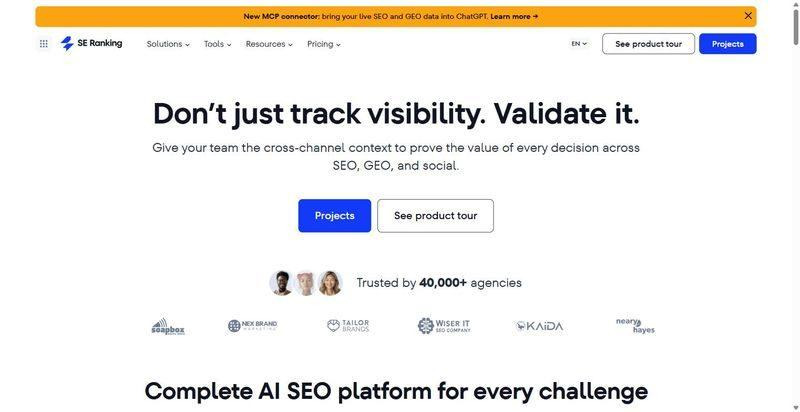
SE Ranking is an all-in-one SEO and AI-search platform where the Website Audit sits beside rank tracking, keyword research, backlinks, and client reporting.
Best for: agencies and in-house teams that want the recurring audit to live in the same place as their rankings and client reports.
Standout: 115+ checks across 13 categories, each issue scored critical, warning, or notice with step-by-step fix instructions and a "+X points" Health Score impact. The crawled-pages table sorts by estimated organic traffic, so you fix where the value sits, and Crawl Comparison shows New versus Fixed between runs to prove progress to a client.
Pros:
- Scores every issue by severity and shows the exact steps to fix it
- Sorts crawled pages by estimated traffic so you triage by value
- Runs in-project, standalone, or via the Website Audit API plus MCP (read endpoints cost 0 credits)
- Connects to Data Studio, n8n, and Make for automated reporting
Cons:
- Audit page allowance is monthly and plan-gated (250K on Core, 2M on Growth, resets each month)
- JavaScript-rendered crawls run slower and cost ten times as much via API (20 versus 2 credits per page)
- Core Web Vitals data can take a couple of weeks to populate on a brand-new audit
Pricing: Core $129/mo ($103.20/mo billed annually); Growth $279/mo ($223.20/mo billed annually). The audit, API, and MCP are included in every plan. Crawls run up to 2M pages per project (250K on Core, 2M on Growth), roughly 1,000 pages in under two minutes, with HTML or JavaScript rendering.
My Take: If your audit has to feed the same client report as your rankings and backlinks, keeping it in one platform saves you the hours you would otherwise lose stitching separate tools together.
Start here: SE Ranking website audit is the module I lean on across a full roster.
2. Screaming Frog SEO Spider
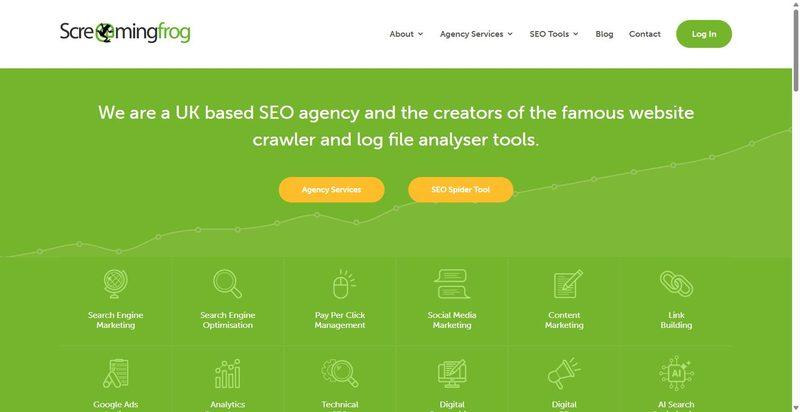
A downloadable technical SEO audit tool prized for the forensic control it gives you over exactly how a site gets crawled.
Best for: deep technical audits of one site at a time, when you want full command of the crawl configuration.
Standout: Configurable JavaScript rendering lets you crawl modern frameworks the way Google sees them, and it pairs with the separate SEO Log File Analyser for server-log work. It pulls in GA4, Search Console, and PageSpeed data, so a single crawl can layer real performance signals over the structural findings.
Pros:
- Gives you granular control over crawl scope, rules, and extraction
- Renders JavaScript so you can audit framework-heavy builds
- Connects GA4, Search Console, and PageSpeed into one crawl
Cons:
- Crawl scale is capped by your own machine's RAM, not a cloud tier
- Ships no client-facing dashboards or scheduled client reports
- Log-file analysis lives in a separate product you buy on top
Pricing: free up to 500 URLs; a paid licence is £199/year and unlocks unlimited crawling plus the advanced features.
My Take: When I need to interrogate a single tricky site, nothing beats the control here. Across a roster, though, it leaves a reporting gap, because you still hand findings to clients yourself. I treat it as a specialist scalpel, not the platform the whole team lives in day to day.
3. Sitebulb
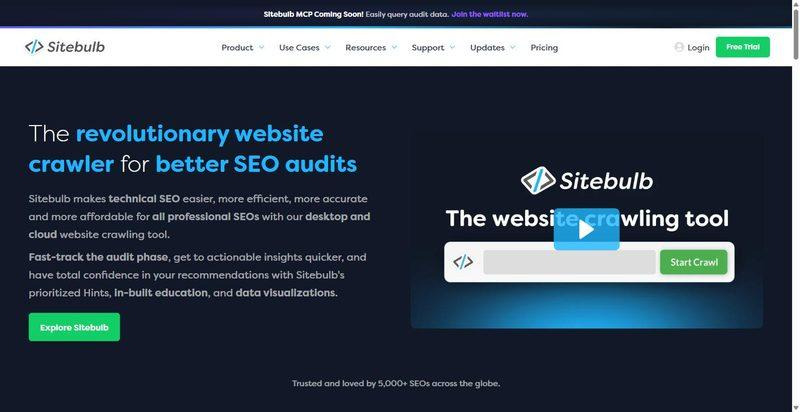
SEO audit software for desktop and cloud, known for turning raw findings into ranked, plain-English recommendations your team can act on.
Best for: teams that want a crawl to arrive already prioritized rather than as a flat list of everything that is wrong.
Standout: Its Hints system flags 100+ issues (300+ on Pro), and each one carries a severity and priority score plus a plain-English explanation of why it matters and what to do about it. Prioritization is built into the output, so your team spends less time deciding what to tackle first.
Pros:
- Scores every Hint by severity and priority out of the box
- Explains each issue in plain English your clients can follow
- Runs on both desktop and cloud editions
Cons:
- Entry Lite tier is desktop only, so it is bound to one machine
- Cloud and collaboration features sit on the higher tiers
- Lower tiers surface fewer Hints (100+ versus 300+ on Pro)
Pricing: Lite starts at $18/mo for one user, with a 14-day trial; desktop and cloud editions are both available.
My Take: If your bottleneck is your team staring at a 400-row issue export wondering where to start, the built-in prioritization pays for itself fast. Just plan for the jump to a higher tier once more than one person needs cloud access across your accounts.
4. Ahrefs Site Audit
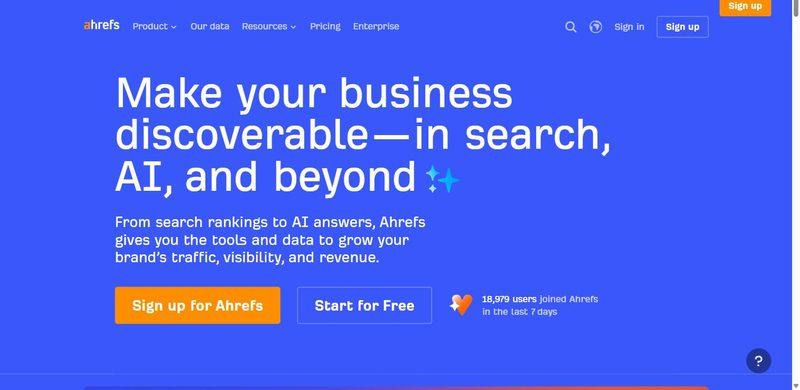
A cloud site-audit crawler that lives inside the wider Ahrefs toolset, so your technical checks sit right next to backlink and keyword work.
Best for: Teams already in Ahrefs for backlinks and keywords who want the audit in the same workspace.
Standout: Cloud crawling with JavaScript rendering, scheduled recurring audits, and health-score trending, so you can watch a client site improve week over week. Every issue arrives with a plain "why it matters, how to fix" note, which turns a raw crawl into something a junior can action without hand-holding.
Pros:
- Renders JavaScript, so you catch issues on modern sites
- Schedules recurring crawls and trends the health score over time
- Explains each issue with fix guidance your team can act on
- Keeps audit data beside your backlink and keyword research
Cons:
- Comes bundled in a broader, pricier suite rather than as a standalone audit tool
- Bounds crawl volume by monthly credits, so confirm the allowance fits your roster
- Shifts per-plan crawl limits over time, so check before you commit
Pricing: Lite starts at $129/mo, with crawling governed by monthly credits (Lite lands around ~100,000 pages/month; treat as approximate).
My Take: If your team already runs Ahrefs, adding the audit here is the sensible move: one login, one place, fix notes your juniors can follow. If you only need auditing, though, you are buying a whole suite you will not fully use. Match the purchase to how your team actually works.
5. Semrush Site Audit
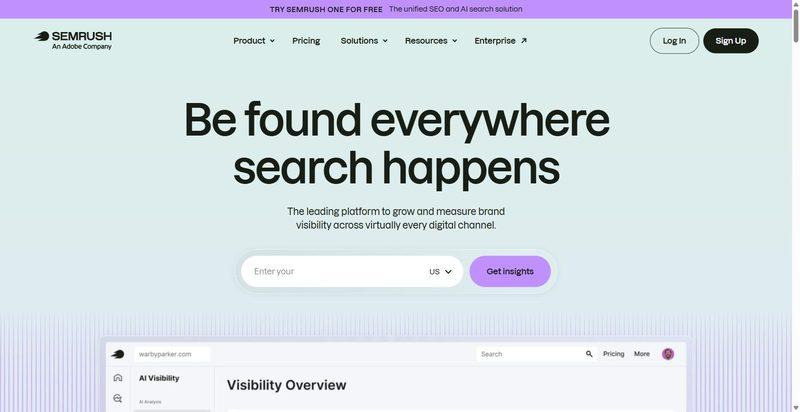
A cloud site audit built into the wider Semrush platform, sitting beside the rest of your Semrush workflow.
Best for: Teams already running Semrush that want site health reporting next to their other Semrush work.
Standout: 140+ technical checks with JavaScript rendering, and a crawl budget that scales by tier: Pro handles up to 100,000 pages a month (20,000 per audit), Guru 300,000, and Business up to 1,000,000 (100,000 per audit). That range covers a growing roster without forcing an upgrade you do not need yet.
Pros:
- Runs 140+ technical checks on every crawl
- Renders JavaScript for accurate reads on dynamic sites
- Grows crawl capacity as your client list grows
- Reports site health alongside your existing Semrush data
Cons:
- Caps per-audit crawl size at the lower tiers
- Pushes genuinely large crawls up to the Business tier
- Wraps the audit inside a platform you may not need in full
Pricing: Pro runs about $139/mo (roughly $117.33/mo on annual billing).
My Take: I have placed this here because it is a solid audit inside a platform, not a reason to switch platforms. If Semrush is already your home base, the site audit earns its keep and grows with your roster. Just watch the per-audit caps on lower tiers; a single big client site can hit them faster than you expect.
6. Lumar (formerly DeepCrawl)
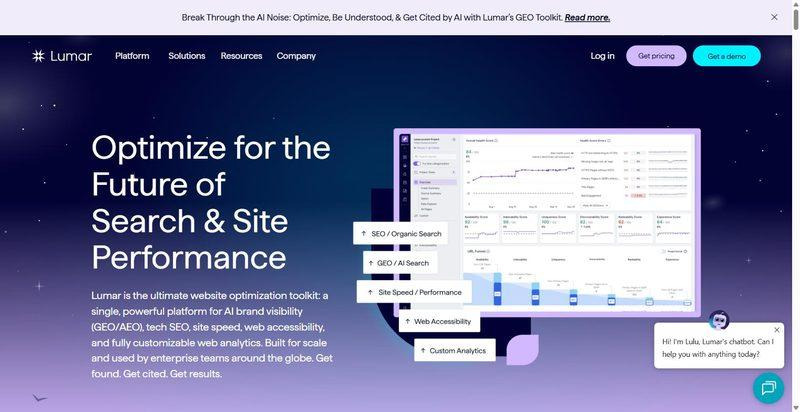
An enterprise cloud crawler built for very large-scale technical audits, when page counts run into the hundreds of thousands or beyond.
Best for: Enterprise in-house teams and large agencies auditing hundreds of thousands to millions of pages.
Standout: Crawls at serious scale (up to ~450 pages per second, ~350 rendered) with JavaScript rendering through its Page Rendering Service. It also folds in log-file analysis, via Logz.io, Splunk, or manual upload, so you can see how search and AI bots actually move through a site instead of guessing.
Pros:
- Crawls millions of pages without buckling
- Renders JavaScript at scale for accurate technical reads
- Integrates log-file data to show real bot behavior
- Serves large agencies and enterprise in-house teams
Cons:
- Hides pricing behind a custom quote
- Targets enterprise only, so smaller rosters pay in complexity
- Overshoots what you need below large scale
Pricing: Custom quote, no public pricing (enterprise).
My Take: This is the specialist you call when a client site is genuinely huge and a mainstream crawler runs out of room. For most boutique rosters it is more machine than you need. Keep it in your back pocket for the giant migration or the million-page audit, and resist forcing it into everyday work where a lighter tool wins.
7. Google Search Console
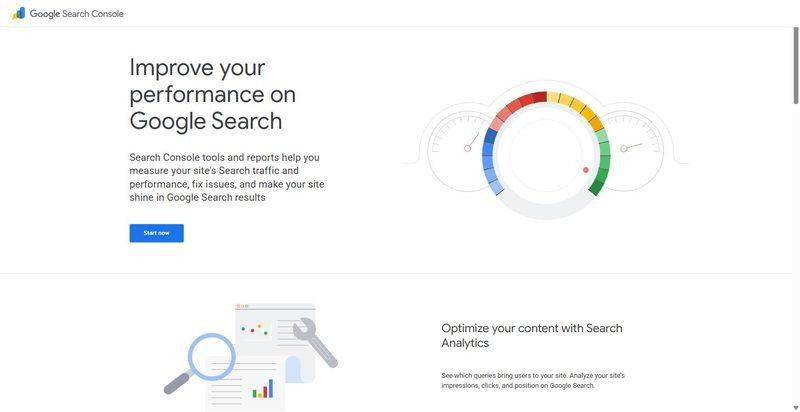
A free, first-party Google tool that reports Google's own indexing and field data, rather than crawling your whole site for you.
Best for: Every team, as the free ground-truth layer running alongside a real crawler.
Standout: The Core Web Vitals report gives you real-world field data, the Page indexing report shows exactly what Google has and has not indexed, and the URL Inspection tool checks live index status, runs a crawl-and-render test, and lets you request indexing. All of it comes straight from Google, for free.
Pros:
- Reports real-world Core Web Vitals field data
- Shows Google's own index coverage decisions
- Inspects any URL for live index and render status
- Costs nothing on verified properties
Cons:
- Will not crawl every URL or hand you an on-demand issue list
- Limits you to what Google has already crawled
- Works as a companion, not a replacement for a crawler
Pricing: Free (verified properties only).
My Take: There is no reason not to have this open for every client. It is Google telling you, directly, how it sees the site, which no third-party crawler can fully replicate. Pair it with a dedicated audit tool: Search Console for ground truth, your crawler for the working fix list. Use both, never one alone.
Turn SEO Audits Into Sales Opportunities With DashClicks InstaReports
Finding technical SEO issues is only one part of an agency's audit workflow. When you're using audits to win new business, you also need to turn those findings into something prospects can quickly understand.
That's where DashClicks’ InstaReports Software comes in.
The white label website audit software generates performance reports that evaluate a business across SEO, website performance, reviews, listings, social media, and Google Ads. Instead of handing prospects a technical crawl full of unfamiliar metrics, InstaReports uses an easy-to-understand grading system and provides actionable recommendations based on the findings.
For agencies, the bigger advantage is how the audit connects with the sales process. You can compare a prospect's performance against industry averages, apply your agency's branding and custom domain, generate reports for contacts in bulk, and track whether recipients have viewed their reports.
This makes InstaReports particularly useful at the prospecting stage. Your team can identify areas where a potential client's digital presence needs improvement and use those findings to start a more specific, evidence-based sales conversation.
InstaReports can also send customized email and SMS notifications when reports are generated, while its reporting features help agencies track reports built versus reports viewed.
If the tools above help your SEO team investigate what needs fixing, DashClicks helps turn audit insights into clear, branded reports that support lead generation and client conversations.
Frequently Asked Questions
Q1. Should an SEO Audit Tool Track INP, Not Just FID?
Ans. Yes. INP replaced First Input Delay as a Core Web Vital on 12 March 2024, so a tool still reporting FID is measuring a retired metric. Make sure yours tracks INP (target 200 ms or under) alongside LCP at 2.5s or under and CLS at 0.1 or under. If it does not, its performance data is already out of date.
Q2. What’s the Difference Between an SEO Audit Tool and an SEO Checker?
Ans. A checker spot-scores a single page or a handful of URLs and stops there. A full SEO site audit crawls the whole site, tracks issues over time, and produces a prioritized, reportable fix list. For agency work across a full client roster, the audit tool is the one that actually earns its place in your workflow.
Q3. How Much Crawl Capacity Does an Agency Actually Need?
Ans. Think roster math, not sticker price. Add up the pages across all your active clients, then add headroom for re-crawls. A boutique roster of mid-market sites rarely needs millions of pages a month. Size your monthly allowance to real client totals, and keep a specialist crawler on call for the occasional giant job.
Q4. Can Google Search Console Replace a Paid SEO Audit Tool?
Ans. No, but everyone should use it. It hands you free first-party index and Core Web Vitals data, yet it will not crawl your whole site on demand or prioritize your fixes. Pair the two: Search Console for ground truth, a dedicated audit tool for the working crawl. They do different jobs, and you want both.


.svg)


.svg)
.svg)
.svg)
.svg)
.svg)